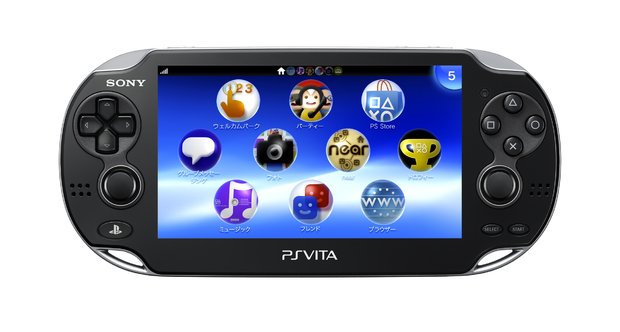
If you've forgotten your PlayStation Network password, or can't connect to the internet, you'll still be able to add your PSN ID to your Vita. Connecting a Vita to a PS3 via USB and hitting Content Manager will automatically sync your PSN ID.
Because the Vita memory card cannot be accessed as a standard USB drive on a PC, transferring old PSP save files to the Vita will be a bit cumbersome, as detailed by this post. If you don't have a PS3 to manage these files, you will have to manually search for files with the Content Manager Assistant. Also, although a Mac version of the Vita management program was promised, it is currently MIA. The Windows version will require XP SP3 or later, or Vista SP2 or later, or Windows 7 SP1 or later. In addition, your PC will require Internet Explorer 7, Windows Media Format Runtime 11 or later (on XP), or Windows Media Player 11 (on Vista).
You can playback MPEG-4 videos of up to 720p on your system, but you'll only be able to download SD videos from the PlayStation Store. (The 480p videos will be upscaled on Vita's 540p screen.) In addition, it appears Trophies do not sync automatically. As with PS3, you'll have to sync it with the PlayStation Network occasionally.